Job alerts
A saved search that emails you when something new matches
What it does
An alert stores a search and notifies you when newly collected postings match it.
When to use it
- You have a search that is narrow enough to be useful and you want to know the moment something lands in it.
- You are watching a specific company or a specific title in a specific place.
How to use it
-
Build the search first
Get the board filtered to what you actually want. A vague alert is a noisy alert.
-
Save it as an alert
From the alerts page, create an alert from your criteria and give it a name you will recognise in your inbox.
-
Manage them
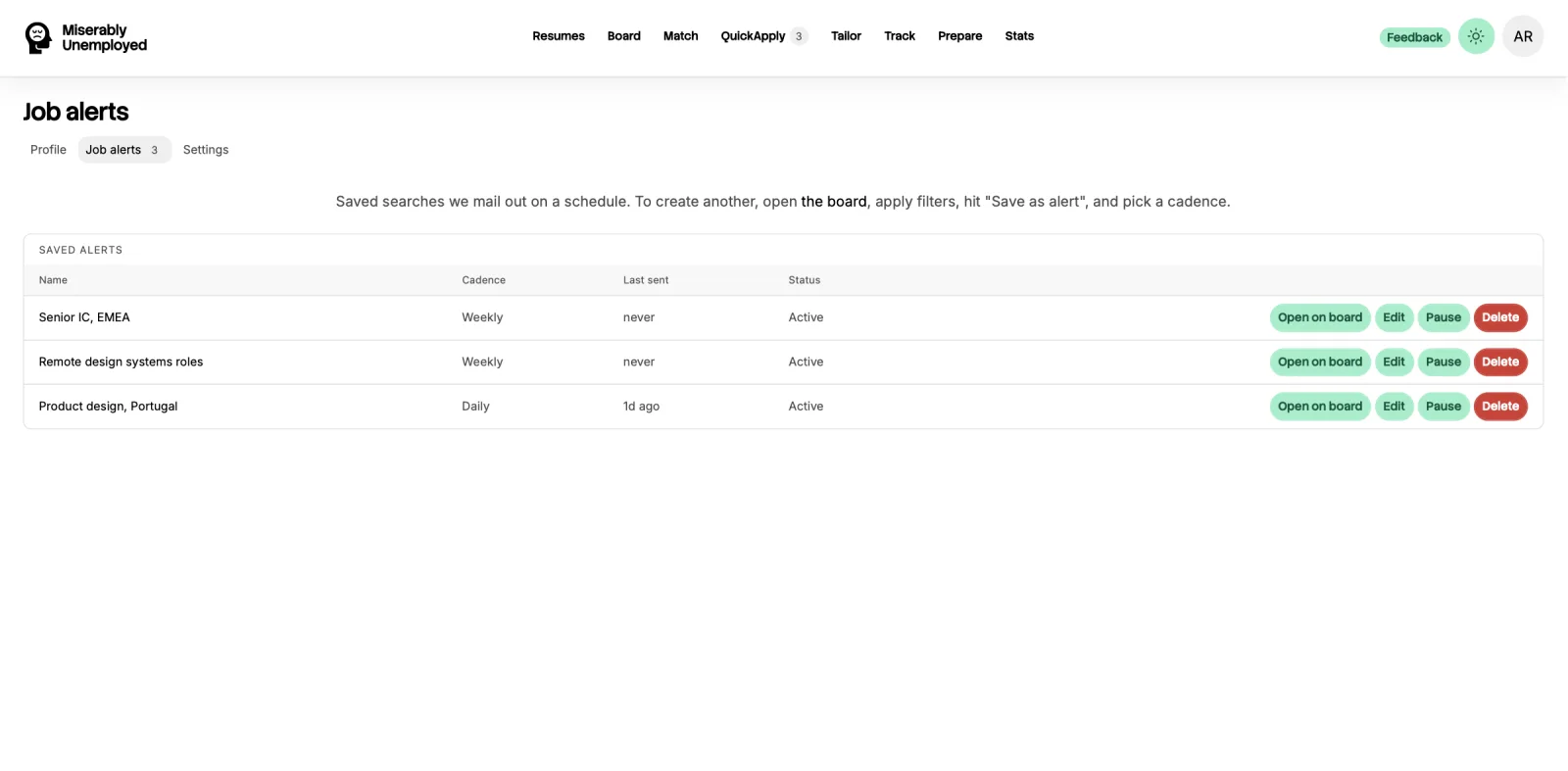
The alerts page lists everything you have running, and lets you delete any of them.
What it costs
Good to know
Broad alerts become noise you ignore
An alert on a single common word will match a large share of everything we collect. Narrow it until the volume is something you will actually read.
Alerts follow the feeds
If an employer does not publish a machine-readable feed, their roles are not in the index and no alert will find them.